From UPI money transfer to making UPI payments, you can rely on the PurnPay app for an easy, swift, and secure transaction experience. Scan any QR to pay or enter the mobile number to transfer money.

As our country continues to steadily move towards its aim of ‘Digital India’, the digital economy has expanded at a pace faster than ever in the last couple of years. Today, UPI money transfer makes up a major part of the Indian digital economy. With the latest breakthroughs in technology, numerous fintech companies have taken birth lately–fueling the trend of UPI payments.
The first-ever UPI app in the country was launched on 30th December 2016, by the Government of India, named BHIM UPI. And since then, there has been a meteoric rise in the number of UPI payment apps joining the UPI bandwagon

No need to queue up in the bank to send money or submit a cheque to add money to your bank account

Powered by PurnTech, PurnPay provides an ultimately secure transaction experience to its UPI users with no delays/failures.

All you need is an internet-enabled device



PurnPay UPI ‘Scan & Pay’ feature works with all the QRs like Paytm, Amazon, PhonePe, etc.

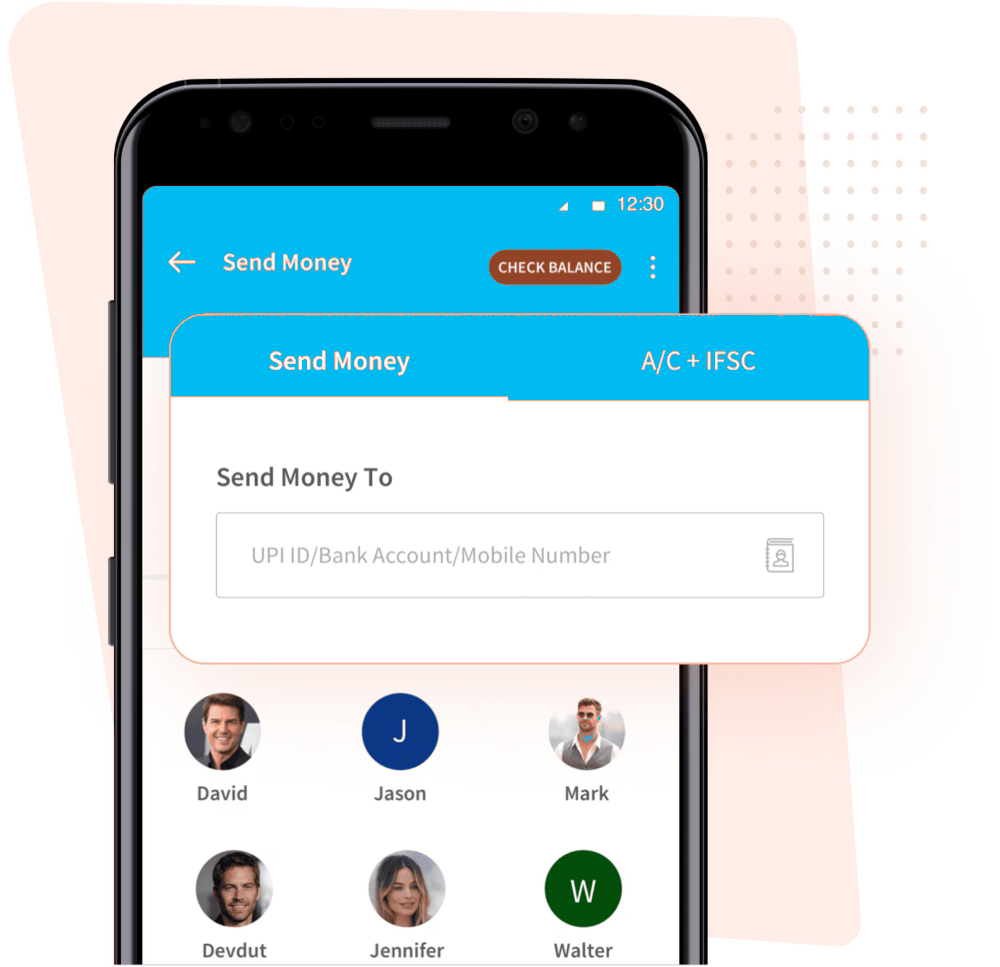
You can send money by inputting any valid UPI ID. The receiver doesn’t need to have a PurnPay UPI ID.


No, BHIM is just like any other UPI app that allows UPI money transfer, while UPI is a payment model that allows you to send/receive money.
UPI ID is a unique Virtual Payment Address (VPA) that is created in a UPI app to enable UPI payments. Multiple UPI IDs can be made for a single bank account.
You can find your UPI id on the top left corner of the app home page.
Yes, you can modify your UPI Id simply by following these steps:
a) Go to the Accounts tab in the PurnPay app
b) Click on BHIM UPI Settings
c) Edit UPI Id
You can input any valid UPI to send money. The receiver doesn’t need to have a PurnPay UPI ID.
Yes, you will get cashback on your transaction. You can scan any merchant QR to pay via PurnPay UPI.
The daily transfer limit for PurnPay UPI is set at Rs.1 lakh.